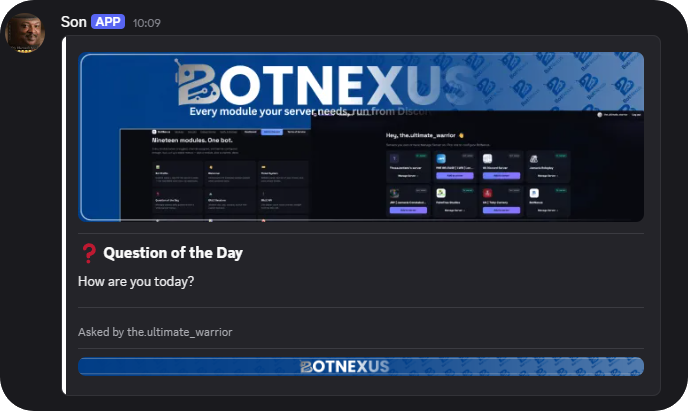
Configured with slash commands, or the dashboard below
Every module your server needs, run from Discord.
Welcomer, tickets, leveling, moderation, ER:LC sessions, economy, birthdays, and a full security suite (automod, antinuke, antiraid, honeytrap) — toggle each one with /botconfig, or log in below and manage it from here instead.
Every module below is toggled, channel-assigned, and banner-configured through /botconfig's select menus — pick a module, pick a channel, done.
Security
A real security desk, not just a filter.
Every subsystem is independently toggled with /security toggle, dialed from 1 (minimal) to 100 (critical) with /security sensitivity, and reports to your own audit log + alert channels.
Verify & Manage
Confirm it's live, or log in and run it from here.
Log in with Discord to see and manage every server you own or admin.
Manage via Dashboard
Log in with Discord to toggle modules and send embeds directly — no separate account.
Design it here, then create it for real with one command in Discord. We keep command creation inside
Discord on purpose — it's what turns your blocks into an actual live /command for your
specific server, with no separate login step for your members-Please be cautious when making them because once they register on your server they are stuck on it.
PASTE THIS IN YOUR SERVER
Fill in the fields, then click "Generate Discord command".
SEE BOTNEXUS IN ACTION
Everything managed from Discord.
BotNexus is designed to be easy to use. Configure features with
/botconfig, then let the bot handle the rest.
Configure once. Moderate forever.
BotNexus is configured directly from Discord using intuitive slash
commands. Set up modules in seconds, customise embeds, banners,
permissions and behaviour, then let BotNexus manage everything
automatically.
Frequently Asked Questions
Is BotNexus free?
Yes, BotNexus is free to invite and use — all nineteen modules are available with no paywall or subscription required, however we do offer some additional features with our BotNexus Premium package.
How do I configure the bot?
Everything can be configured directly from Discord using
/botconfig. Some features are also available through
the web dashboard. All of the modules are optional, enable only what your server needs — moderation, security, sessions, and qotd are each configured independently.
What permissions is needed?
BotNexus needs permission to manage roles, send messages, embed links, read message history, and use slash commands. Moderation features also require the ability to kick and ban members. The invite link requests the minimum permissions required for all modules to function - Administrator is usually enough for this
How does the Security module work?
Security tools automatically help protect your server with modern
moderation features, anti-slur filtering, logging and configurable
protection settings.
Where is my data stored?
BotNexus stores server configuration, moderation records, API keys & suggestion autoclose working between restarts. Data is tied to your Discord server and is not sold or shared with third parties see our policies here .
Do you have a embed generator?
Yes, we have a basic components V2 embed generator on the dashboard that sends on configured bot profile to the channel of your choice, banners customizable - main and footster, all embed colours can be changed in HEX. These are equipped with divider lines on each side. We have this generator for your convienence
Where can I get help?
Join our Support Discord here for setup help and troubleshooting.